Faster quoting
Stop estimating machining time by hand. Upload the model, review the plan and have a defensible time in minutes.

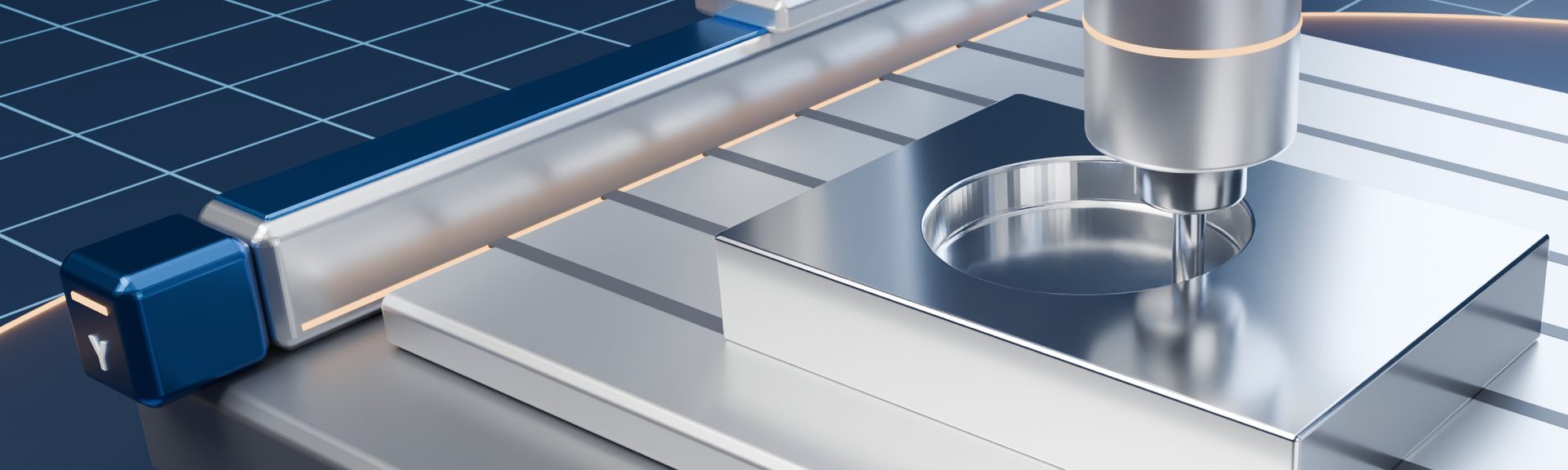
From a STEP model to a machining plan and time — in minutes
EngamPrice helps workshops and machine shops answer the question every quote starts with: how long will this part take to make? It reads your 3D model, recognises its features and proposes how to machine it.
Video
Portal preview
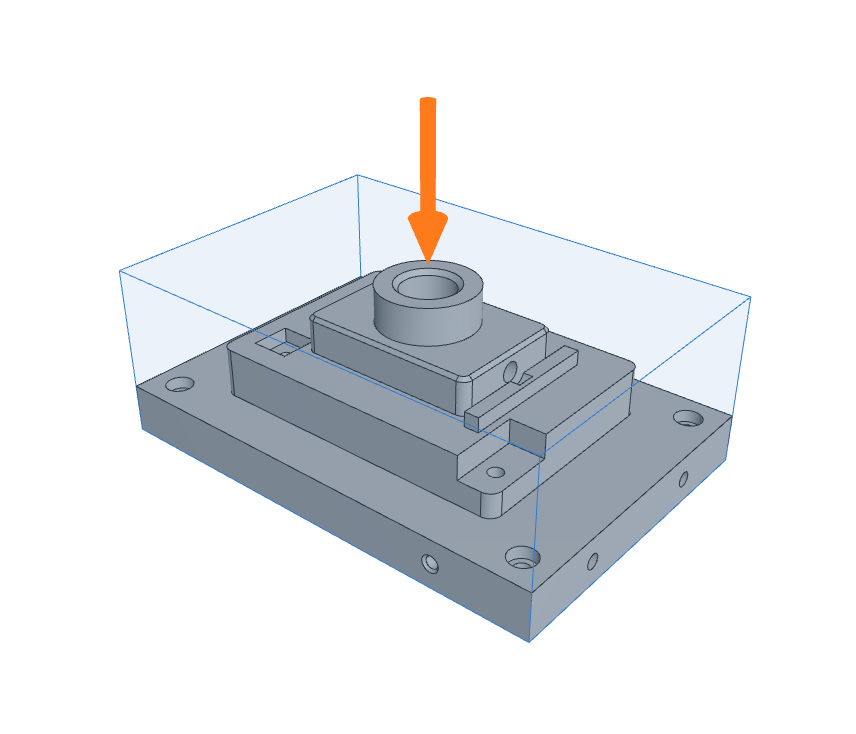
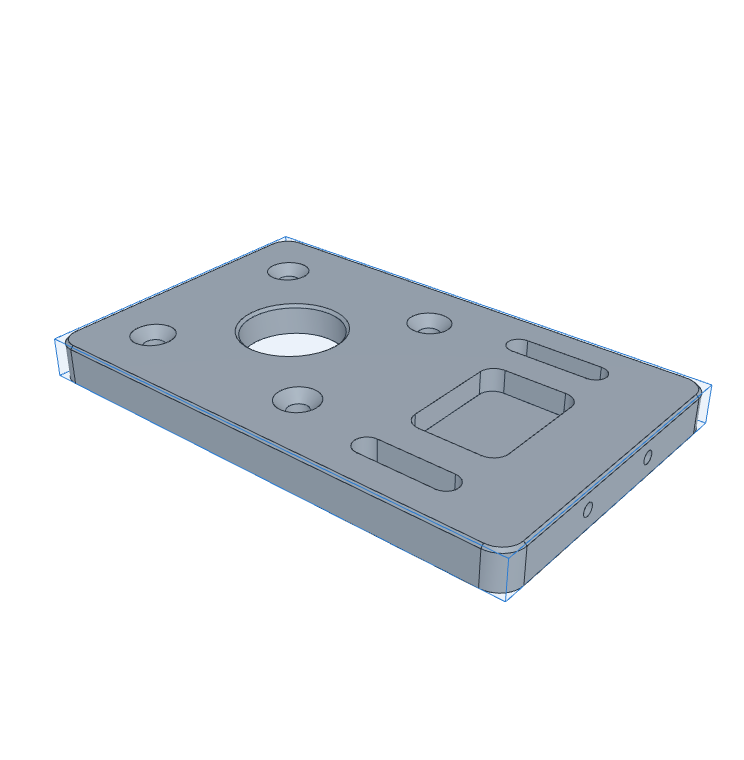
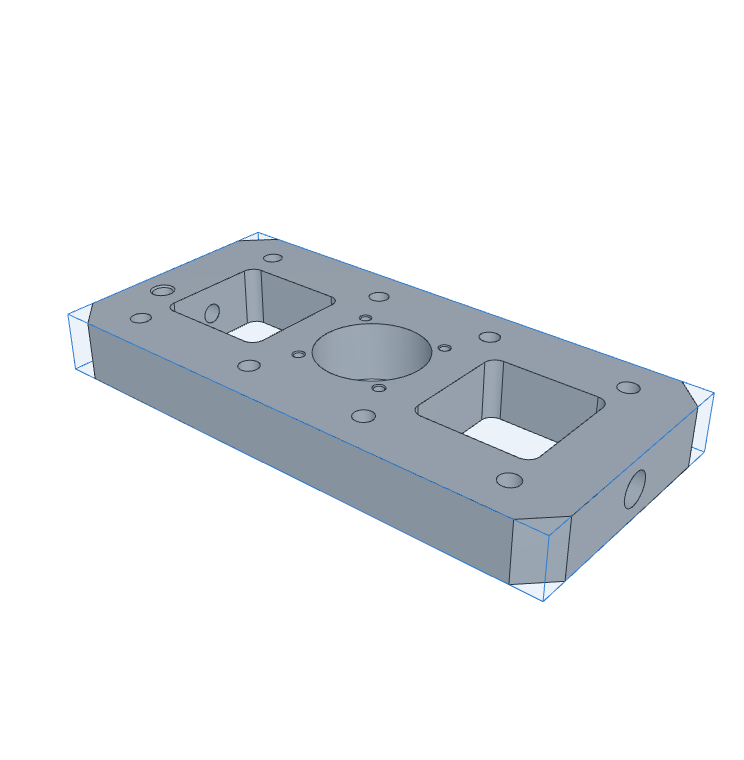
Real toolpaths
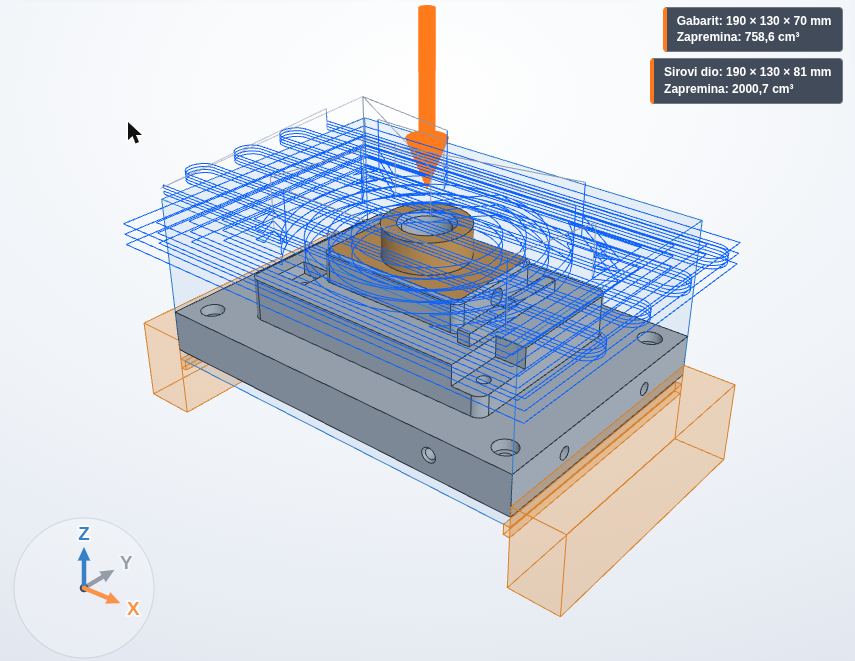
For every operation EngamPrice generates the actual CAM toolpaths and shows them on your part: cutting moves in blue, rapid moves in grey. The machining time you get is the time of these toolpaths — not a rule of thumb.
Machining sequence
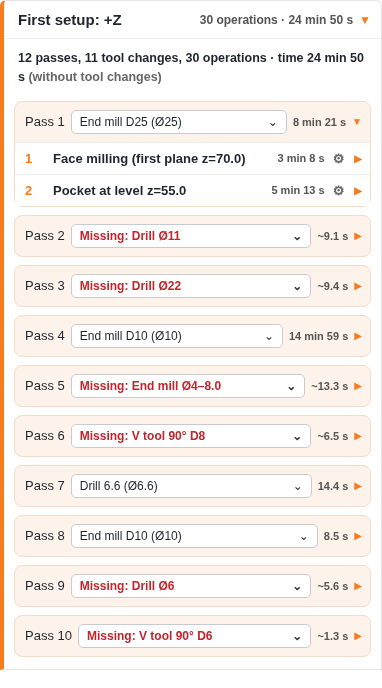
EngamPrice orders the operations by setup and tool, so you change tools as few times as possible. Every pass and every operation shows its own time, taken from the generated CAM toolpaths, and the setup shows the total.
Stop estimating machining time by hand. Upload the model, review the plan and have a defensible time in minutes.
Results are calculated for your own machine limits, your tools and your materials, with cutting data per ISO material group.
Every recognised feature, setup and tool can be reviewed and corrected before the final time is shown.
It runs in the browser. Sign in to the portal and start.
What it covers today
The time is not an estimate. It is the actual CAM time: the machining time of the generated toolpaths at the feed rates, spindle speeds and rapid moves of your machine. You apply your own hourly rate and material costs to get your price.
More axes and turning are on our development list.
Pilot programme
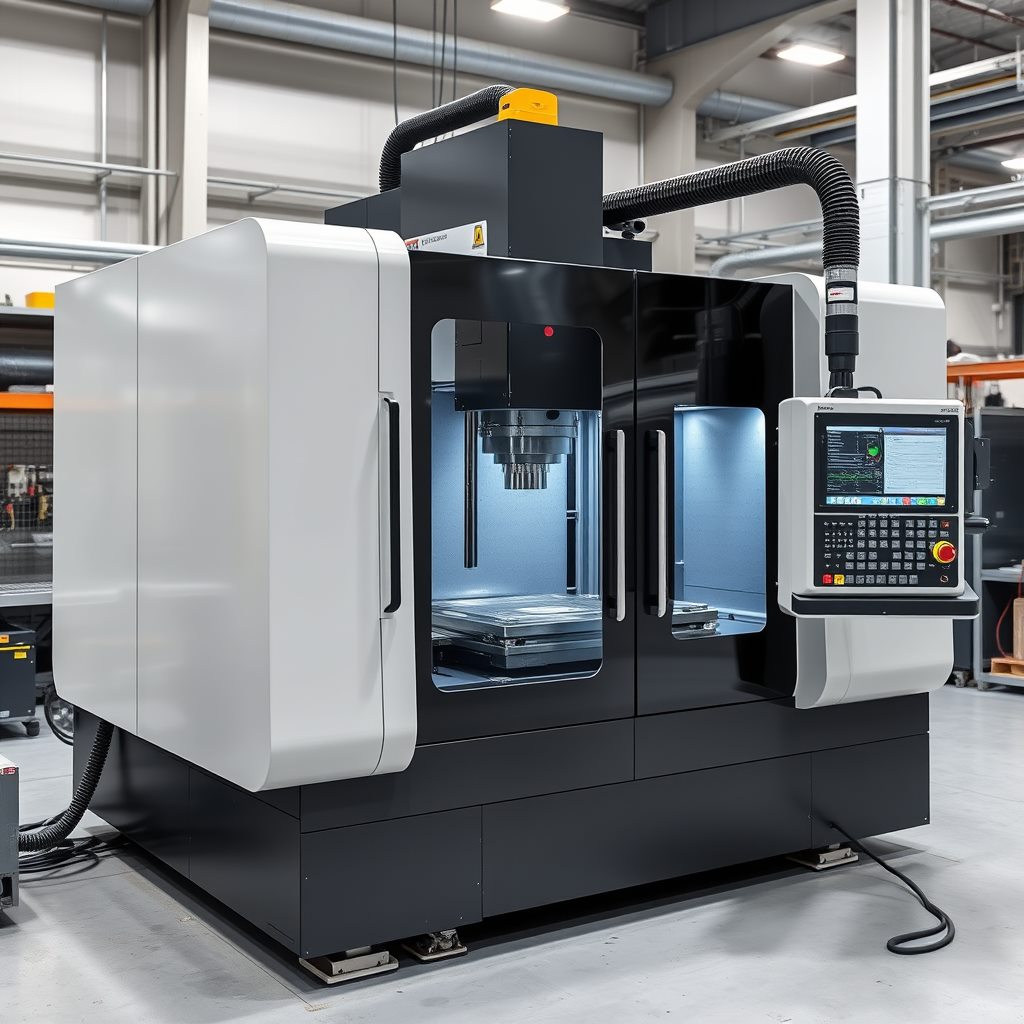
EngamPrice is in a pilot phase with selected workshops. We are looking for machine shops who want to use it on real parts and tell us what works and what is missing.
Our engineers are ready to discuss your manufacturing challenges — from initial concept to full implementation.